Academy Management
Learners, programmes, batches, timetables, attendance, fees, portal access and reports.
Your Yepsta walkthrough
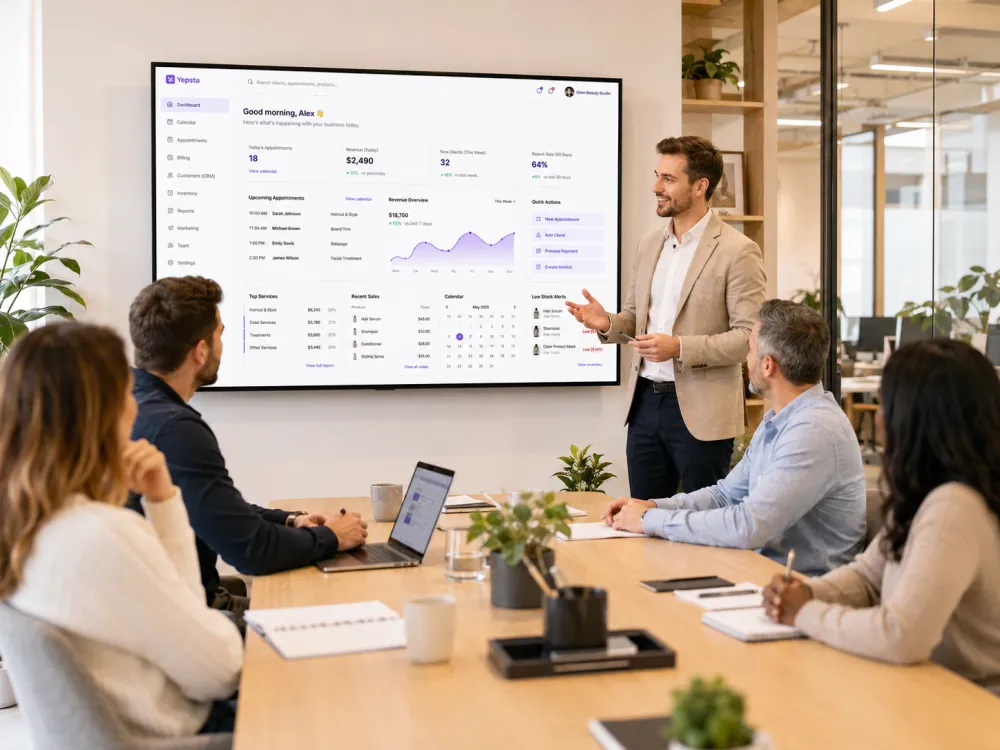
See how your enquiries, delivery, billing and everyday operations can work together. A product walkthrough shaped around the way your business runs.
Share your details and preferred time. Our team will contact you to arrange the walkthrough.
Choose your focus
Academy, appointment, project or mixed operations. We will connect the parts that matter to you.
Learners, programmes, batches, timetables, attendance, fees, portal access and reports.
Agreements, intake, milestones, tasks, reviews, deliverables and linked billing.
Bookings, schedules, consultations, sessions, reminders and service capacity.
Invoices, sales, milestone billing, payments, taxes and counter operations.
Customer and client history, notes, packages, engagement context and follow-up.
Your Yepsta website, public profile, online catalogue and customer actions.
Inventory, reviews, reports, staff access, WhatsApp workflows and location controls.
Tell us about your current process in the request form so we can focus the conversation.
Request your walkthroughFrom request to clarity
Bring your questions about workflows, pricing and getting started. Leave with a clearer picture of your next step.
Tell us your service type, city, locations, and the workflow you want to improve.
The walkthrough focuses on the modules that match your daily operations.
Get plan guidance, setup clarity, and a practical path to start using Yepsta.
Make it your walkthrough
FAQ
The demo can cover Academy learners, programmes, batches, timetables, attendance, fees, portal access and reports, as well as Projects, appointments, billing/POS, CRM, storefront and other Yepsta workflows based on your business type.
No. You can use Get Started to create an account directly. A demo is useful when you want the product mapped to your current workflow.
Yes. The team can explain Starter, Growth and Pro based on location entitlement. All plans include the complete Yepsta Business OS.
Owners, managers, Academy administrators, trainers, project leads, front-desk teams or operations leads can attend. Include anyone responsible for learners, classes, client delivery, bookings, billing or branch operations.
Yes. You can use Get Started to create an account and choose a plan directly. The demo is useful when you want guidance before setup.
Ready to start?